Asset Flow
Rooms, vans, and equipment with bookings and maintenance — preview screens with sample assets.
Asset Flow is the facilities list beside the rest of the week. Catalog what the church can book, hold reservations with status, and log maintenance tickets so a youth retreat and a memorial do not discover the same hall on Saturday.
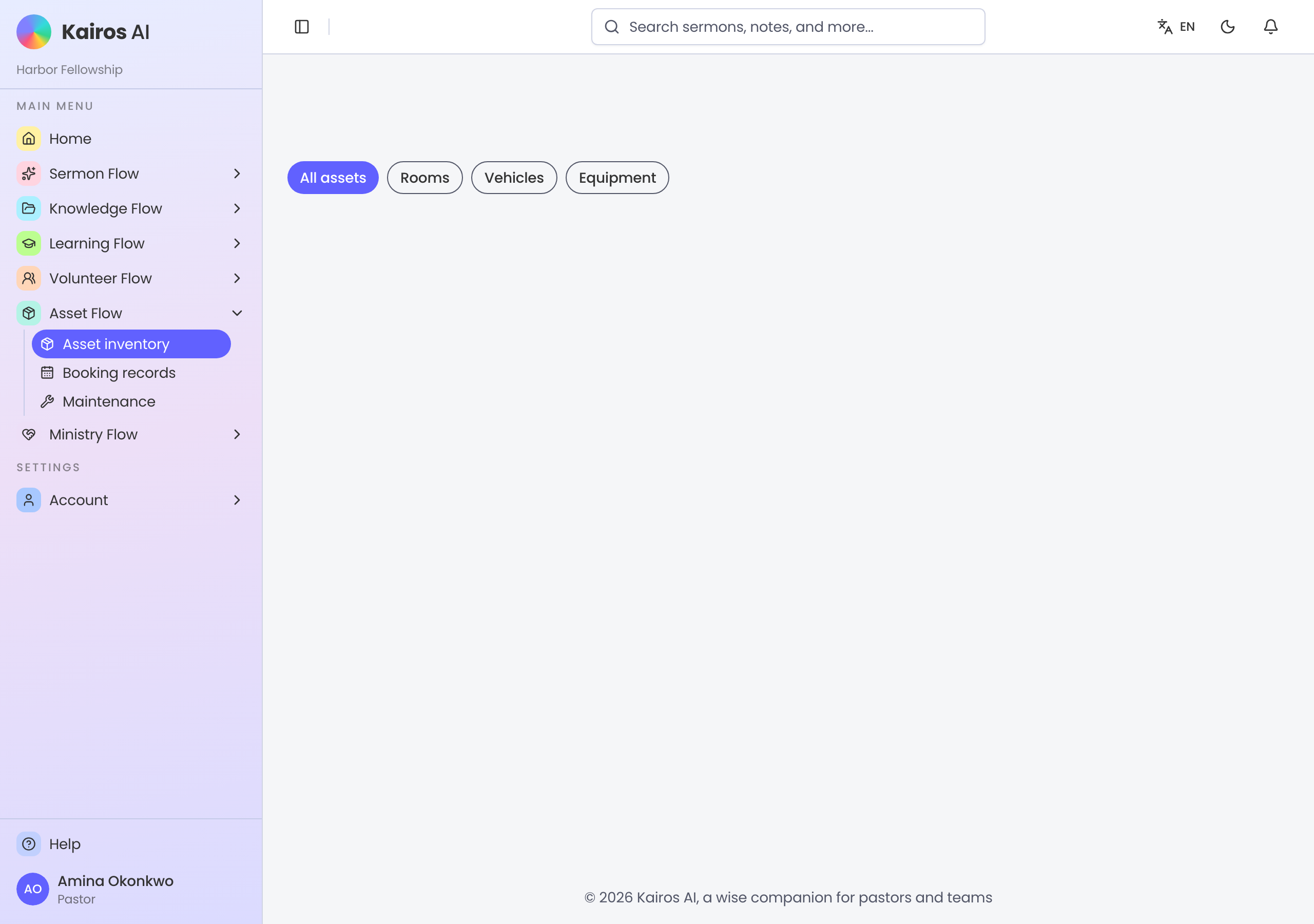
Asset inventory
Open Asset Flow for inventory. Cards show rooms, vehicles, and equipment with available, in-use, or maintenance status. Add an asset or open a card to edit details.
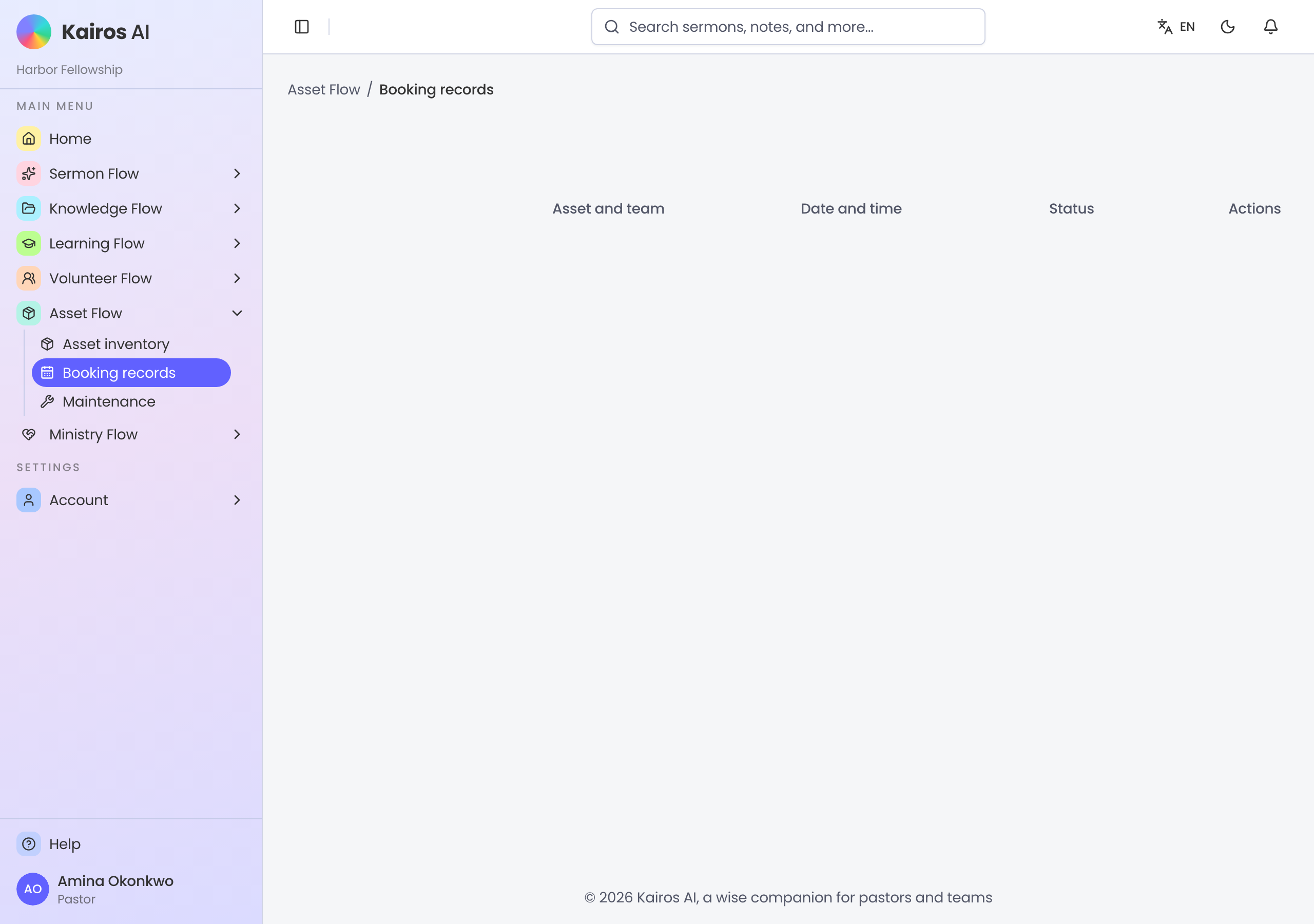
Bookings
Booking records lists reservations by date, party, and status. Filter upcoming or past. A booking you see in the preview is not a real reservation — keep the hall calendar where staff already look until the module is live.
Maintenance
Maintenance overview holds tickets with priority and status beside KPI cards. Open a new request with asset, problem, priority, and an optional photo.
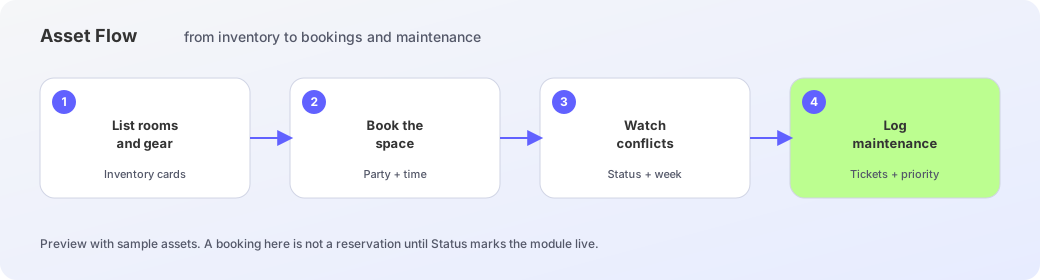
Facilities path
- 1
List rooms and gear
Add assets to inventory with category and status.
- 2
Book the space
Create a reservation on Booking records for the party and time.
- 3
Watch conflicts
Check status and the week list before Saturday arrives.
- 4
Log maintenance
Open Maintenance overview and file a ticket when something breaks.