Sign in and church setup
Use the invited email. Owners finish name and city before the rest of the team can work.
Sign-in is the same for every role. Church setup is for the first owner after they accept. Locale and theme live on every public page and in the workspace header.
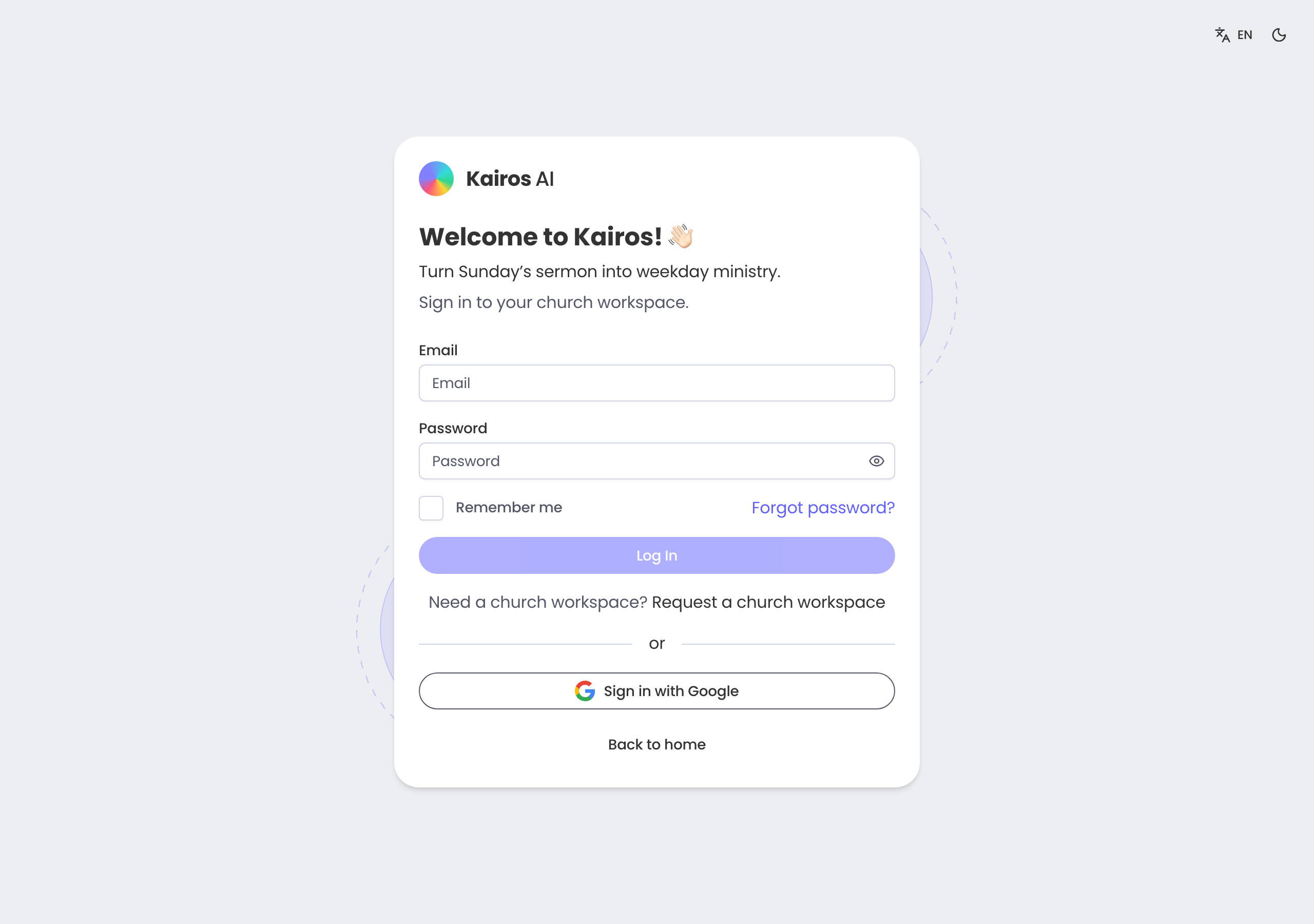
First sign-in
Log in with the address on your invite. Google sign-in is available when the operator has enabled it. Need a workspace? Request one from the login page — do not invent a second signup.
Church setup
Owners set the church name and city so the workspace is not a blank tenant. Invite an org admin next so you are not the only key-holder, then invite pastors and ministry workers.
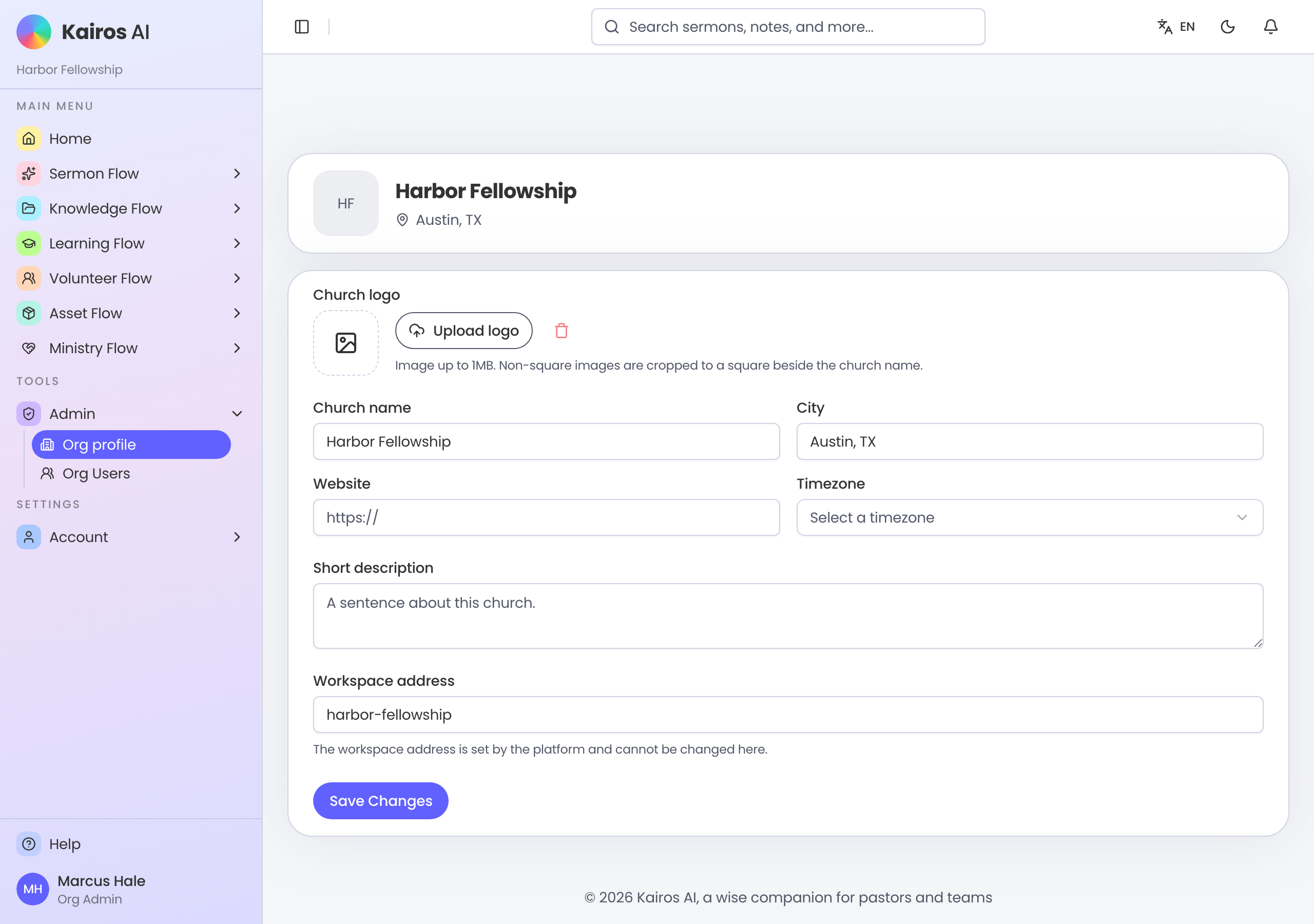
Forgot password
Use Forgot password on the login page. The reset mail goes to the address on the account. Invites still expire in seven days even if you reset a password later.